Automatic settlement rules & payment holds

We have released two new payment features for line of credit accounts, Automatic Settlement Rules and Payment Holds. These features allow you to define how pending, log-only payments affect an account's available balance and create rules that automatically set payment settlement dates.
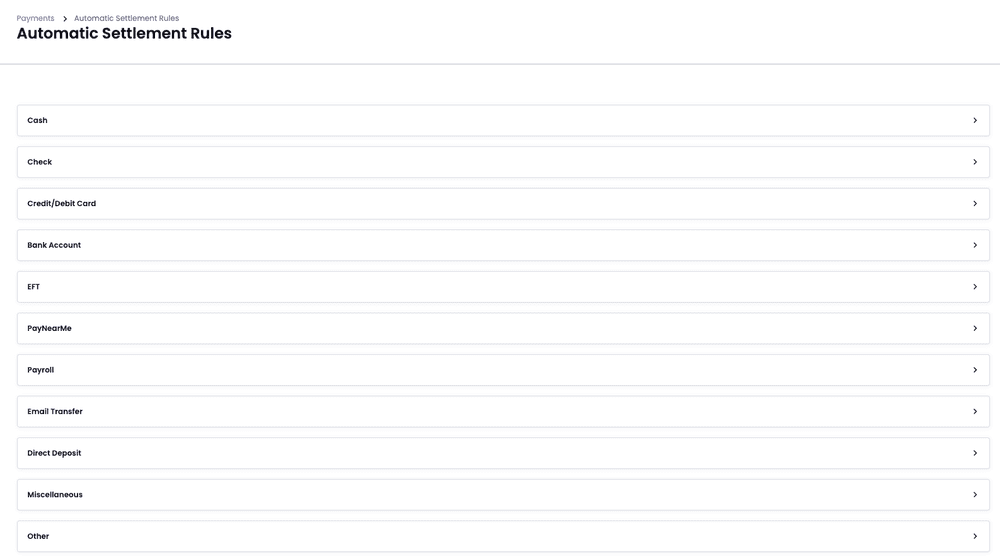
These settings can be found by navigating to Programs > Available Credit Settings > Payment Holds and Programs > Payments > Automatic Settlement Rules.
To use Automatic Settlement Rules, Payment Holds must be configured to "Hold the amount from available credit until it settles".